




 317-274-7182
 Contact Us
 Chat With Us
 Ask A Medical Librarian
 Feedback





The History of Medicine Collection
The History of Medicine Collection supports research and learning at the IU School of Medicine by collecting, preserving, interpreting, and providing access to unique materials documenting the history of medicine within the global context of the Western medical tradition.
The Makerspace
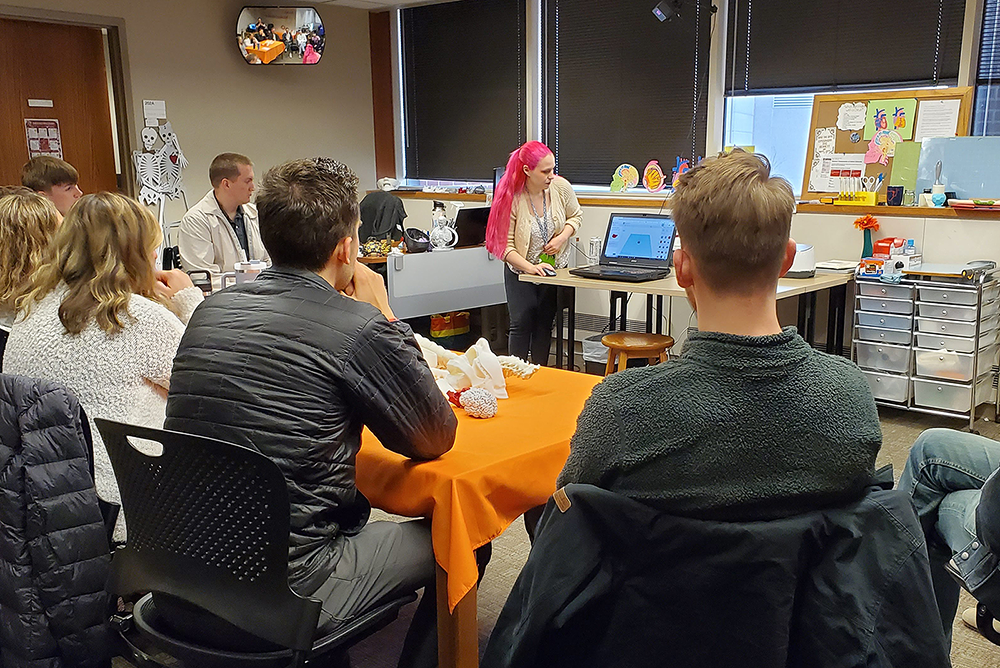
The Makerspace is a creative learning lab offering access to emerging technologies such as 3D-printing, VR software and headsets, an IQ wall, and more... all for study, creating study aids, or simply to engage in a creative process for mental wellness.

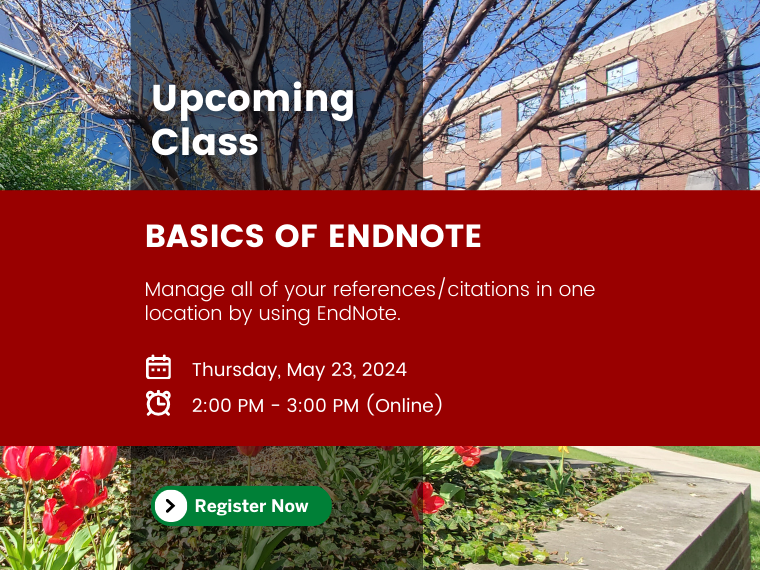
Upcoming Classes
RLML Medical Librarians teach a variety of free online research skills classes based on the needs of IUSM students, faculty, and staff. Check out our upcoming class schedule, find out how to request a custom class, or take a peek at our help sheets and tutorials on the latest popular research tools.
Popular Resources
- History of Medicine Book of the Week: A Treatise on the Physiological and Moral Management of Infancy for the Use of Parents (1846)
Childcare and Family Management in the Victorian Period According to A Treatise […]
- New Vascular Surgery Drawings Digital Collection Now Available
The Ruth Lilly Medical Library is pleased to announce the creation of a […]